Dividend calendar
Expected payouts for the companies you hold, in one calendar.
A dividend calendar for your own holdings: expected payouts, your monthly dividend flow and every dividend recorded against the position that paid it.
Free during the public beta · No broker login needed · Two-factor sign-in
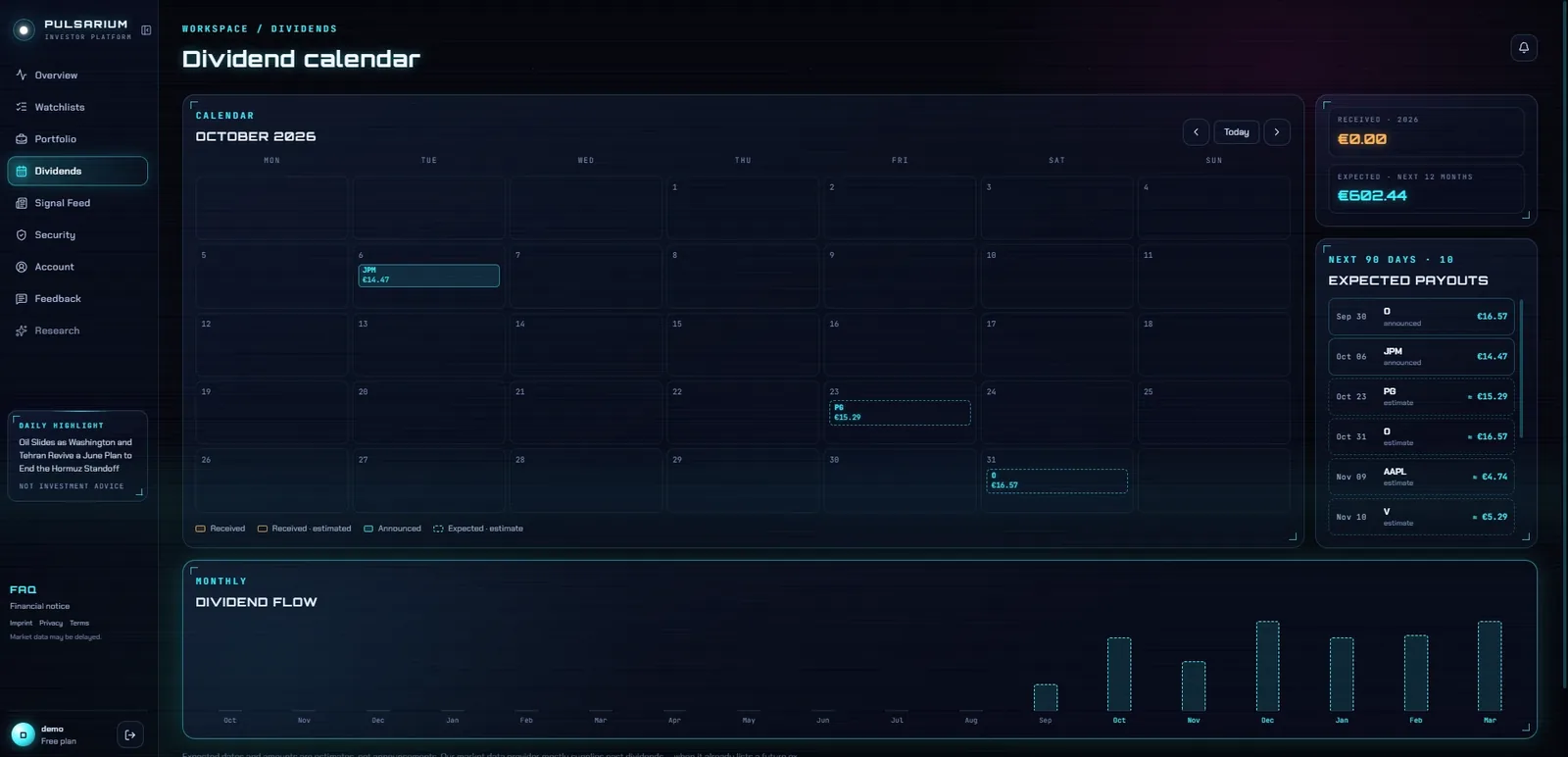
Expected payouts for the companies you hold, in one calendar.
See how much income arrives month by month.
New dividends and stock splits are detected automatically and applied only after you confirm them — no silent changes to your records.
Dividend rows in broker files (for example Trading 212's “Dividend (Ordinary)”) come in with the trades.
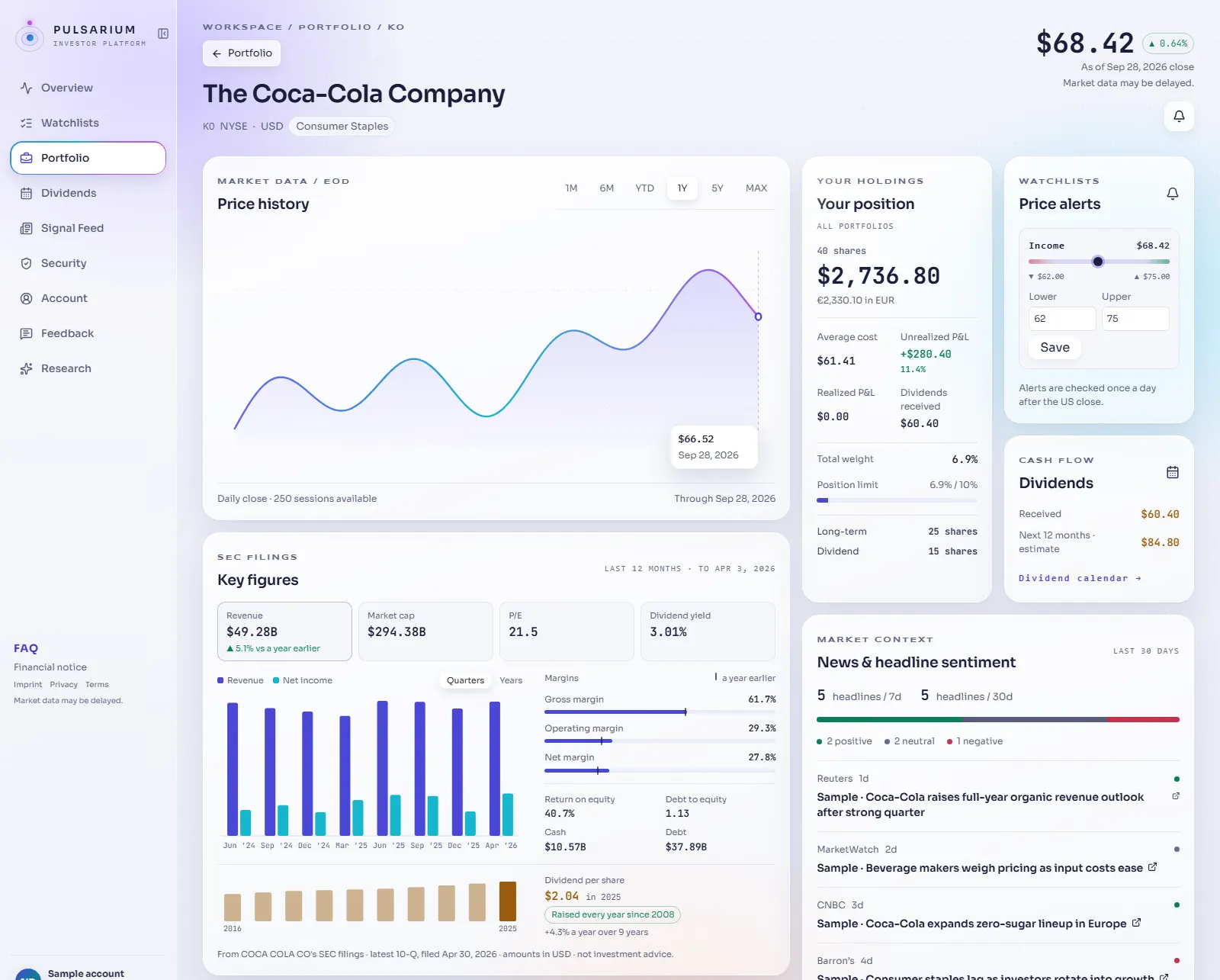
When a company you hold declares a dividend, the cabinet detects it and shows it for your confirmation; once confirmed, it is recorded against the position. Dividends in broker files are imported too.
Yes. The dividend calendar lists expected payouts for your holdings and a monthly view of your dividend flow.
Yes. The personal cabinet is free during the public beta: portfolios, dividends, watchlists, price alerts, broker import and the news feed. AI research on any company runs on credits, with one free credit a day during the beta. Paid plans are planned.
No. Pulsarium never asks for broker logins. You export a transaction file from your broker and upload it, or add trades by hand. Nothing reaches your broker account.