Several portfolios and currencies
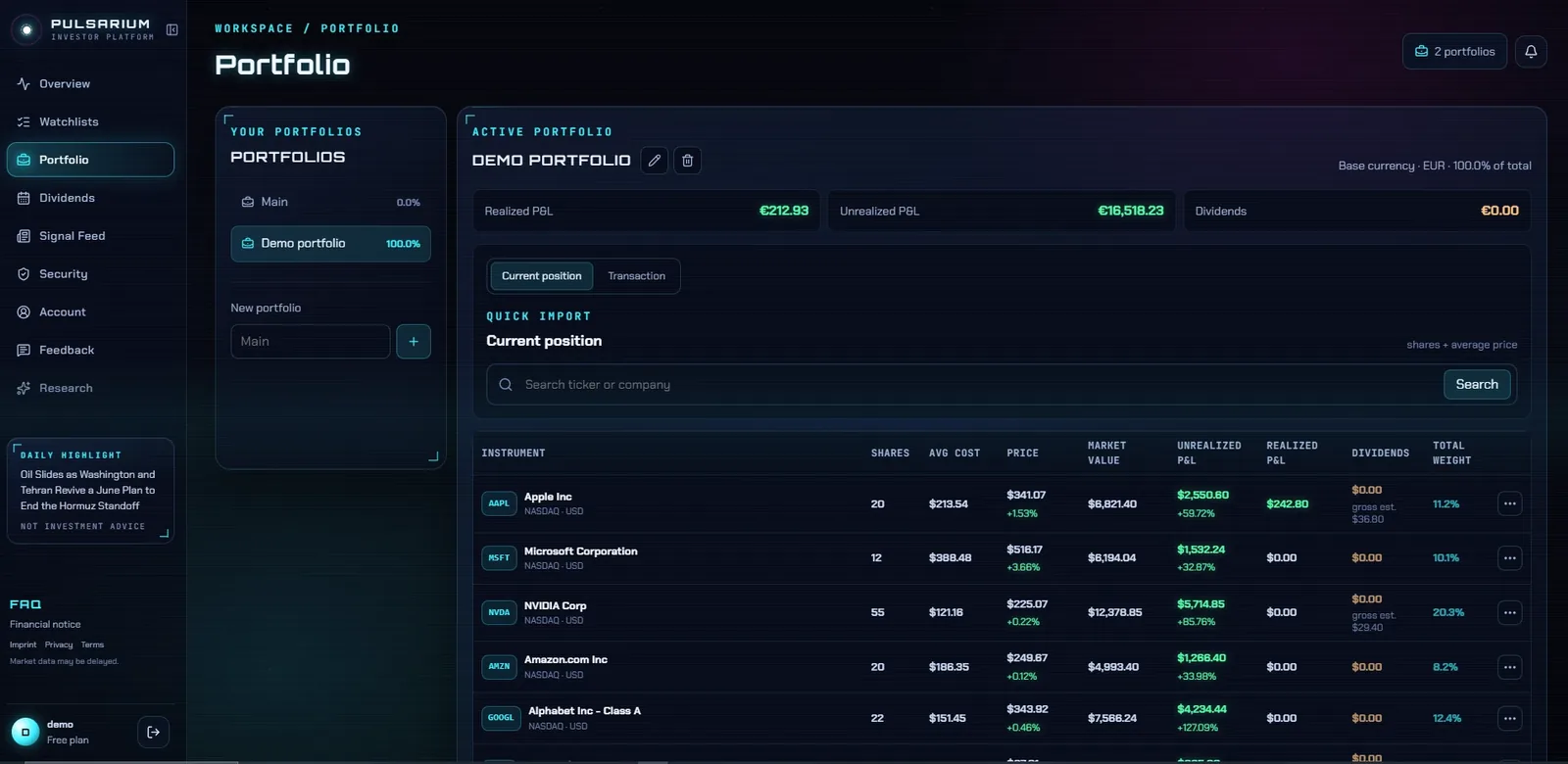
Keep separate portfolios — each with its own base currency — and see positions, weights and value converted for you.
See every holding, its weight and performance in one calm workspace — with the dividends it pays, alerts at your price levels and the news that concerns it. Import trades from your broker's file; no broker login needed.
Free during the public beta · No broker login needed · Two-factor sign-in
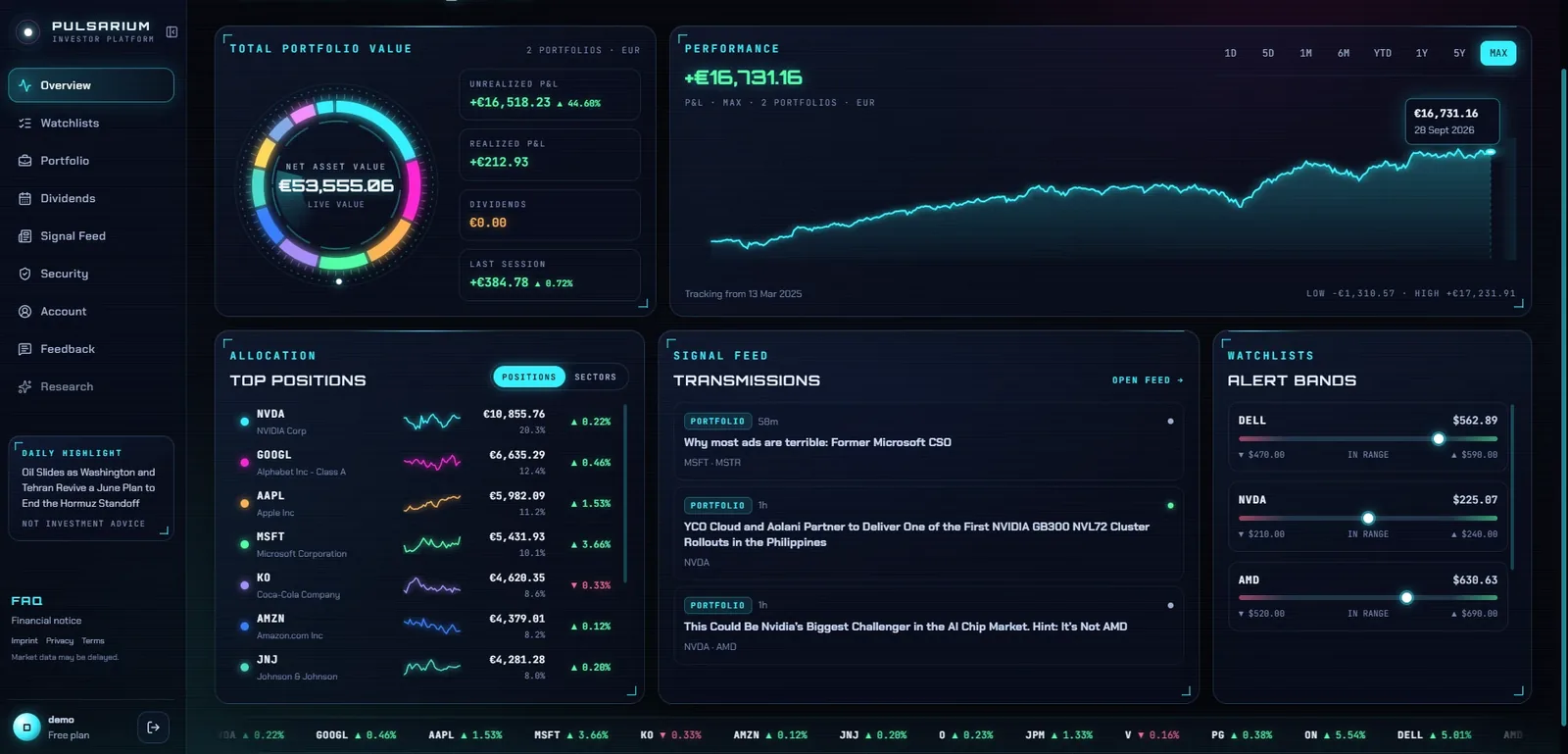
Keep separate portfolios — each with its own base currency — and see positions, weights and value converted for you.
A performance chart with the ranges you need, plus the day's move of every position.
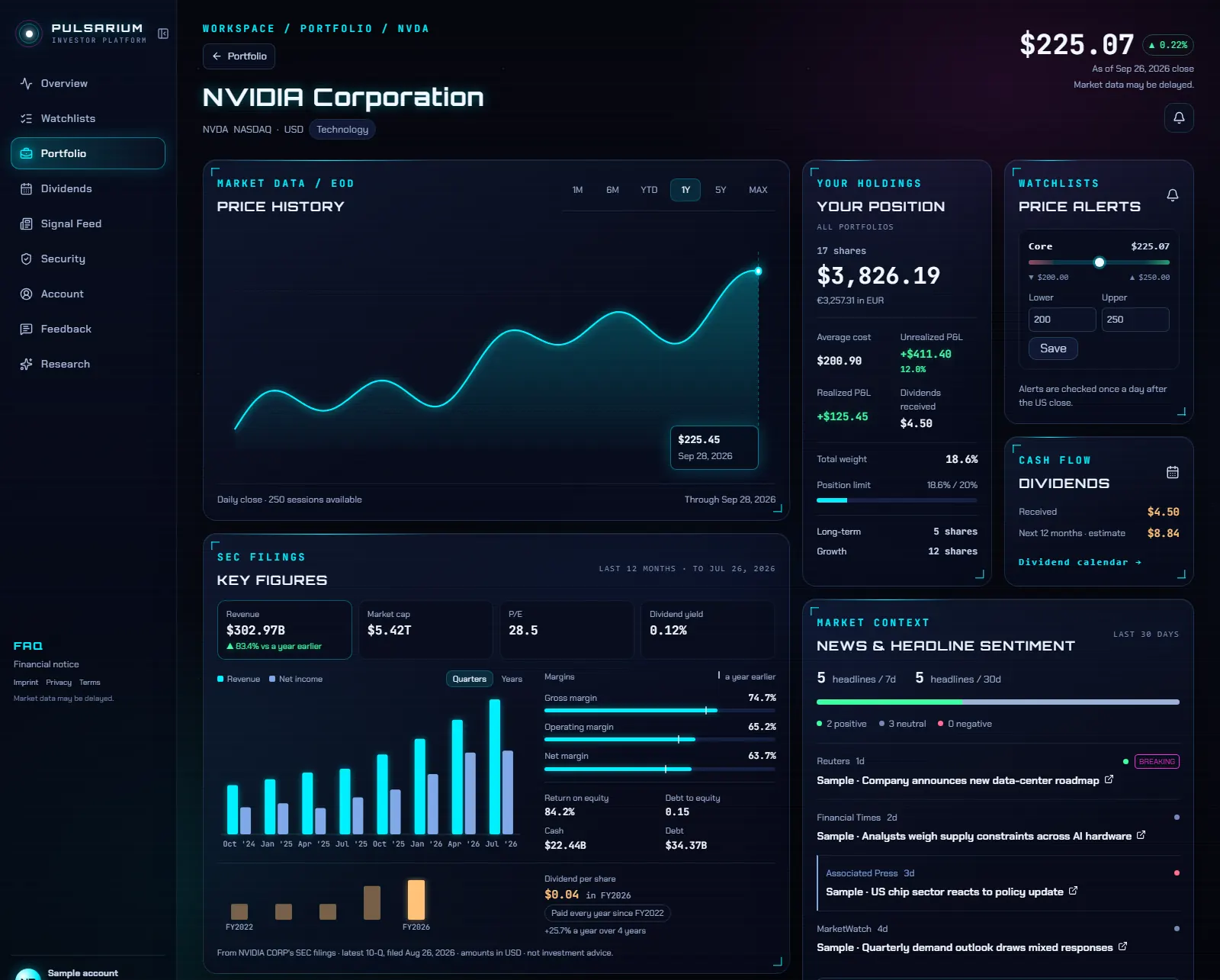
Set a maximum weight per position and see when one grows past it — a simple risk check most trackers leave out.
Dividends and stock splits are detected automatically and applied once you confirm them. See the dividend calendar.
The Signal Feed filters market news to your holdings and watchlists, tagged by sentiment.
Two-factor sign-in, data isolated per account, full export of transactions and account data, and self-service deletion.
Yes. The personal cabinet is free during the public beta: portfolios, dividends, watchlists, price alerts, broker import and the news feed. AI research on any company runs on credits, with one free credit a day during the beta. Paid plans are planned.
No. Pulsarium never asks for broker logins. You export a transaction file from your broker and upload it, or add trades by hand. Nothing reaches your broker account.
Yes. Create as many portfolios as you need, each with its own base currency; positions in other currencies are converted for the totals.
US shares update during US trading hours, up to every 30 minutes; other listings use the latest end-of-day price. Prices come from Marketstack and can differ slightly from your broker's. It is built for investors who follow their holdings, not for intraday trading.
Only you. Every row is isolated to your account in the database, sign-in supports two-factor authentication, and you can export all your data or delete the account yourself at any time.