Trades from the comment
XTB writes each trade as “OPEN BUY 34 @ 11.748”; Pulsarium reads the shares and price from it, and the exchange and currency from the ticker's suffix (.US, .DE, .PL …).
Export your transaction history from XTB and upload the file to Pulsarium's free cabinet: every trade is checked with you before it is saved, and your broker login never leaves your hands.
Free during the public beta · No broker login needed · Two-factor sign-in
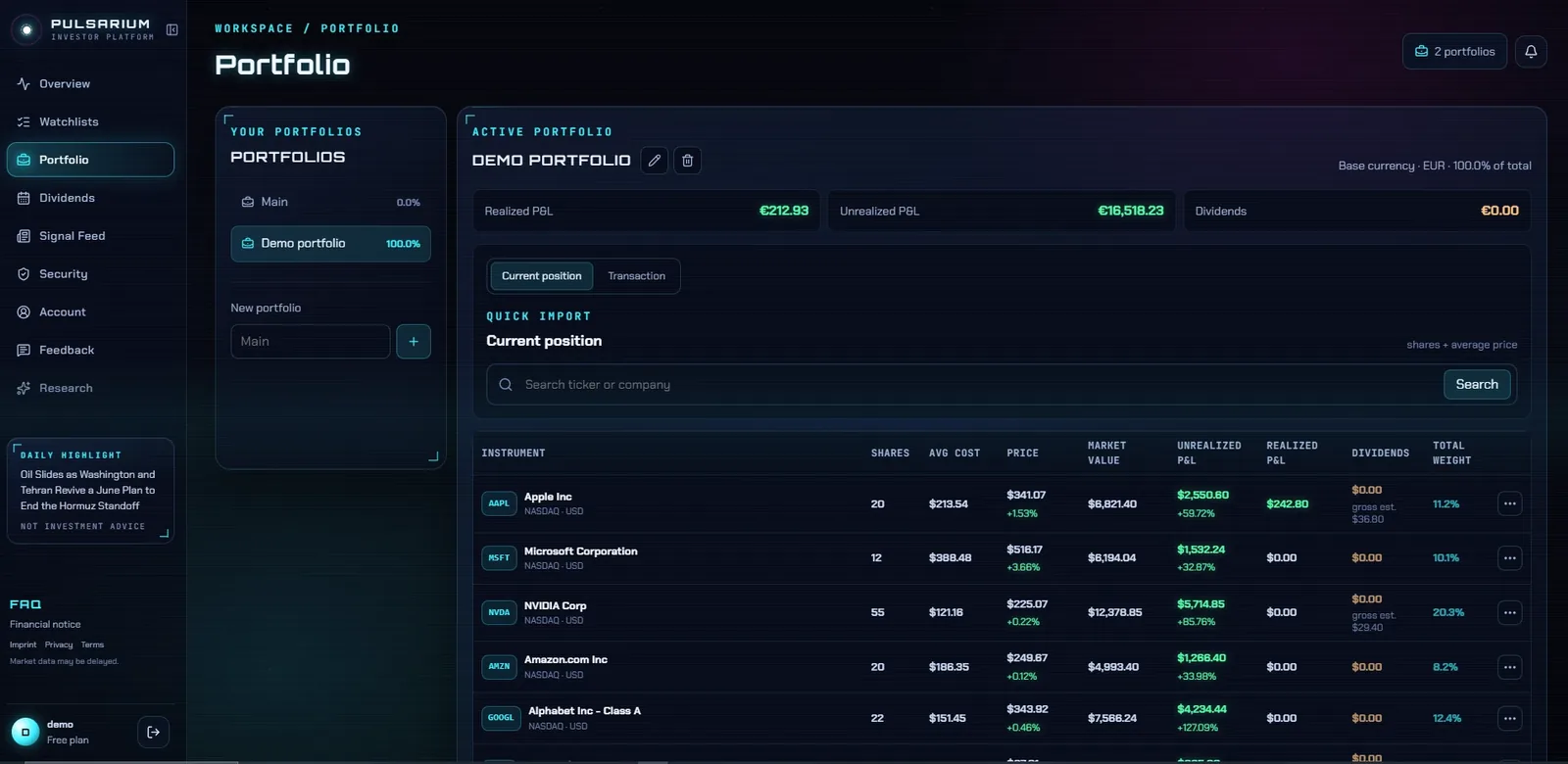
XTB writes each trade as “OPEN BUY 34 @ 11.748”; Pulsarium reads the shares and price from it, and the exchange and currency from the ticker's suffix (.US, .DE, .PL …).
XTB lists a dividend per position and per share; Pulsarium adds it up for the shares in your file and applies the withholding rate XTB gives.
The cash operation history from xStation 5 (History → Cash operations → Export), with its sheet saved as CSV. Interest, transfers and CFD rows are left out on their own.
Then a dividend can't be counted from the file's shares: the preview asks you to add it by hand, with the amount per share XTB lists.
No. Pulsarium never asks for broker logins. You export a transaction file from your broker and upload it, or add trades by hand. Nothing reaches your broker account.
Yes. The personal cabinet is free during the public beta: portfolios, dividends, watchlists, price alerts, broker import and the news feed. AI research on any company runs on credits, with one free credit a day during the beta. Paid plans are planned.